
An OG image editor that works like Figma
Move any layer, pull text and photos from each page, or ask AI for a variant. One design covers every page of a section.
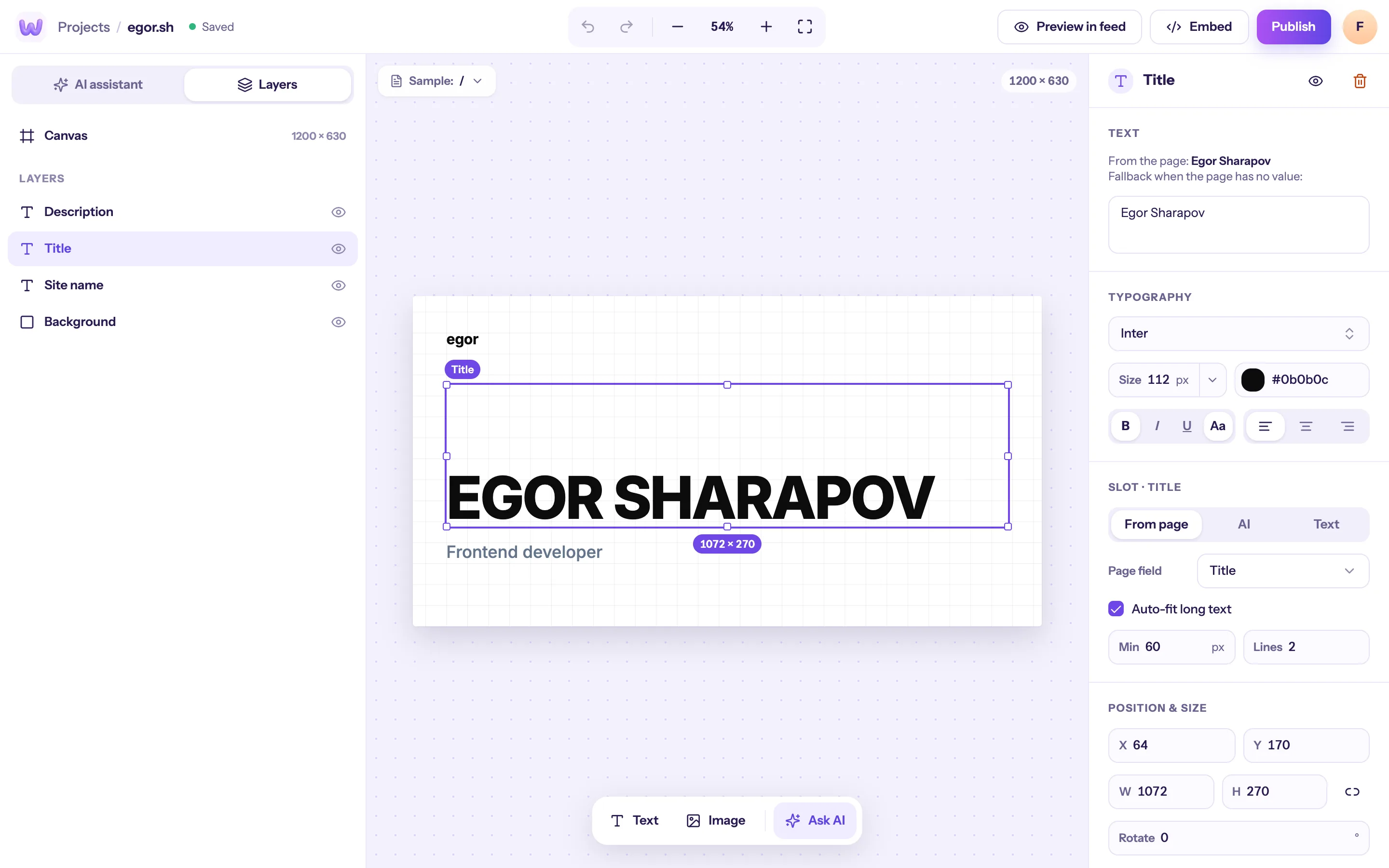
Layers, not template boxes
Every element is a layer you can drag, resize, recolor or hide. Add your logo, shapes and a background photo — the canvas is always 1200×630.
- Layers panel and inspector
- Brand colors and fonts saved per site
- Undo and redo for every change
Text and photos from each page
Switch any text or image layer to From page and it reads the page’s title, og:image, author, date or price. Keep it Fixed for things like your logo.
- A fallback when a page has no value
- Fit and background color for photos
- Preview with any URL of your site
AI when you don’t want to push pixels
Ask for “more minimal”, “use our blue” or “photo on the right”. You get variants to pick from — the result is still plain layers you can edit.
- Three starting designs made from your site
- Variants on request
- Every AI result stays editable
A design per section of the site
Bind designs to URL patterns. The most specific pattern wins; everything else uses “All other pages”.
- /blog/*, /docs/*, /changelog/* or a single page
- Unlimited on Pro, 5 per site on Indie
- Change one section without touching the rest
See it in every feed before it’s live
Preview mode shows the design inside X, LinkedIn, Slack, Telegram, WhatsApp and Facebook posts, with real cropping.
- Catch text that gets cut off
- Check dark and light feeds
- Try it with any page of your site
Open the editor with your own site
Paste your site — we’ll make three designs to start from.