
Link previews that get the click
Guides on Open Graph images, link previews on X, LinkedIn, Facebook and messengers, and getting more clicks from shared links.

Website Preview Software That Keeps Every Share On-Brand
Website preview software helps every shared URL show the right title, image, and brand details - without making a new graphic for each page on social apps.
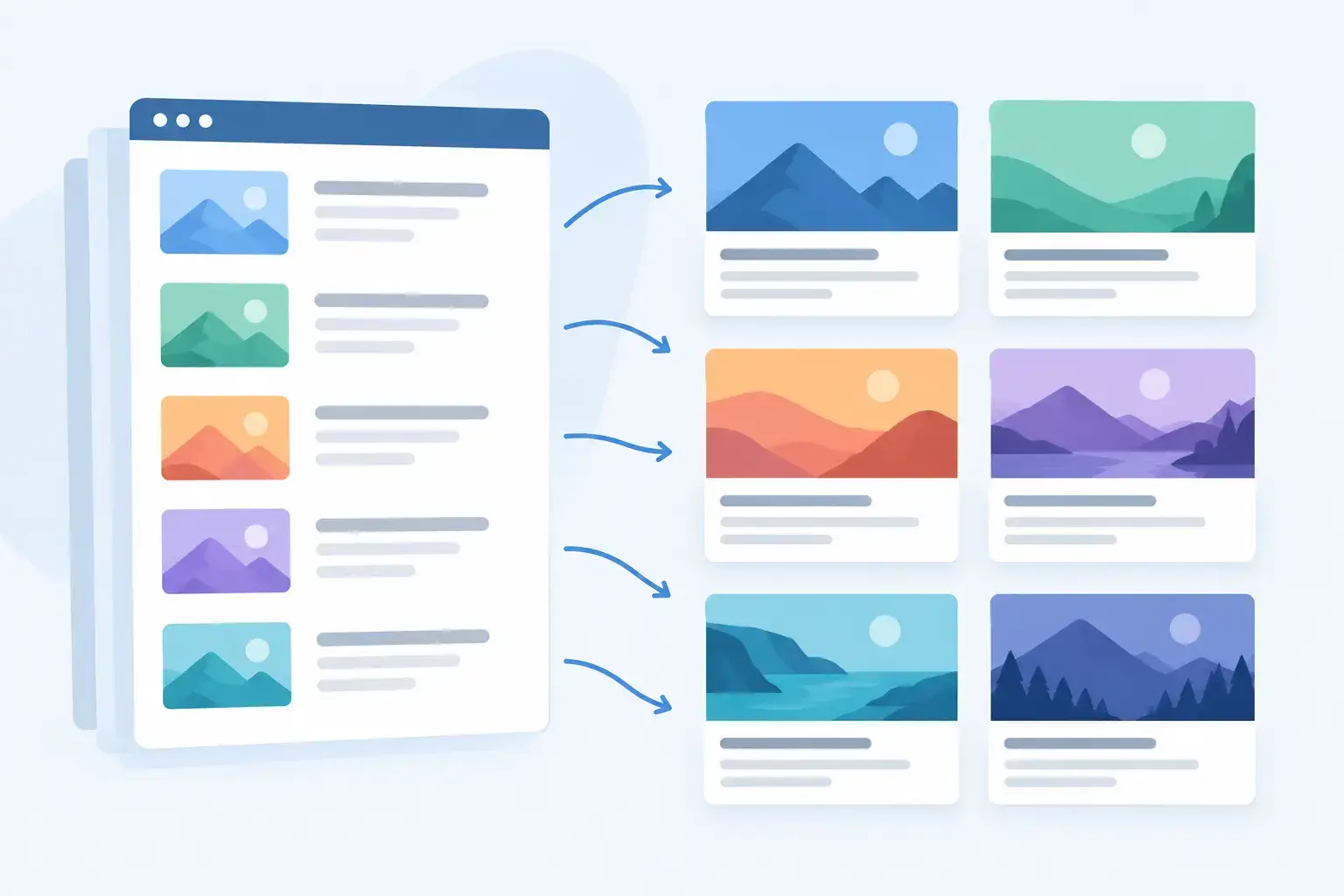
Create Page-Specific Preview Cards at Scale
Create page specific preview cards automatically, so every shared URL shows the right title, image, and brand instead of a generic social preview thumbnail.
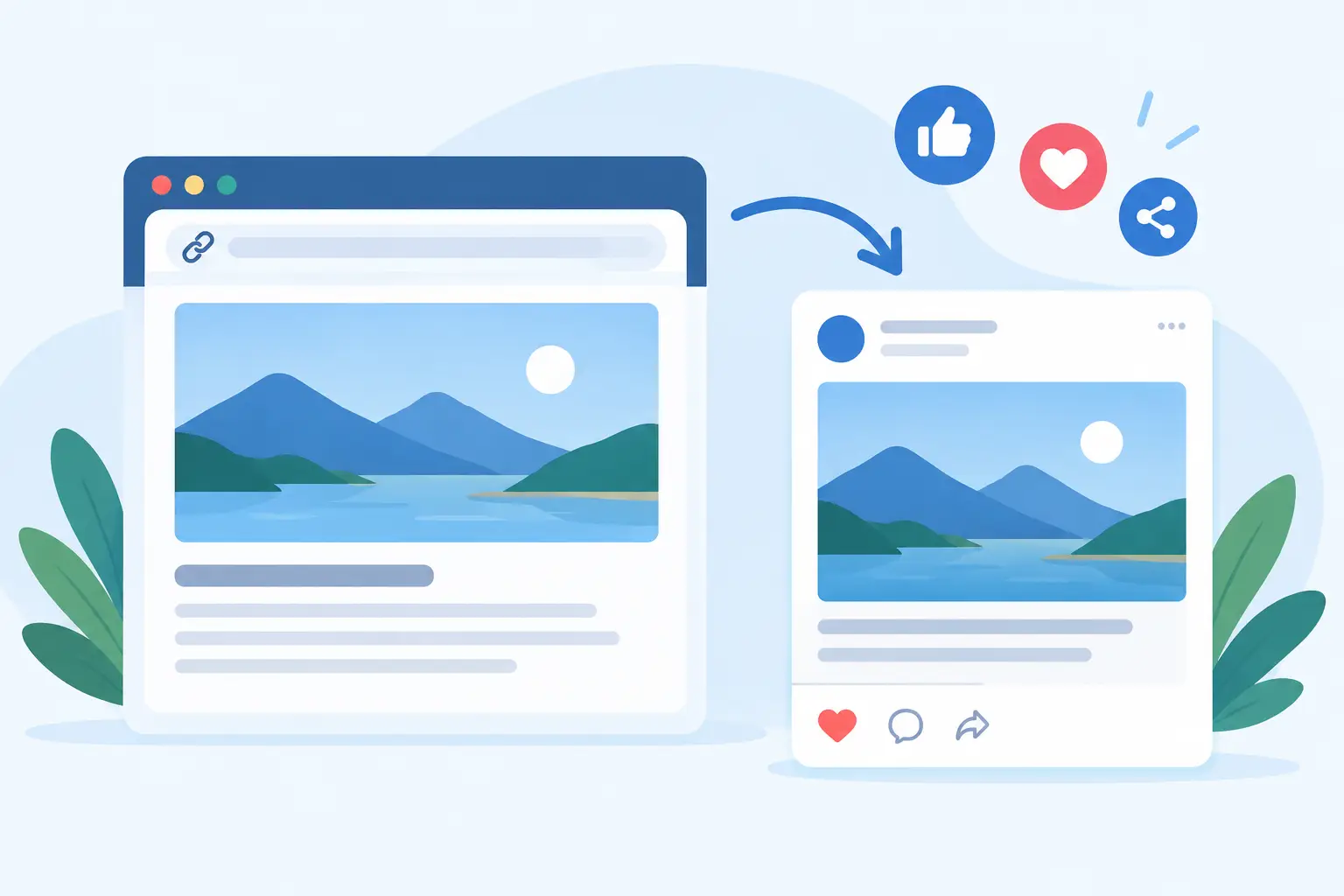
Why Every URL Needs a Social Preview Image
A social preview image turns each shared URL into a clear, branded card. Learn what it needs, why it fails, and how to automate every page in minutes.

Top Social Sharing Metadata Mistakes to Fix
Avoid top social sharing metadata mistakes that create blank, stale, or off-brand link previews - and fix every shared URL at scale before clicks drop.

Why Previews Blur When Sharing Website Links
Why previews blur when links are shared: learn how image size, compression, metadata, and caching affect your social cards and how to fix them properly.
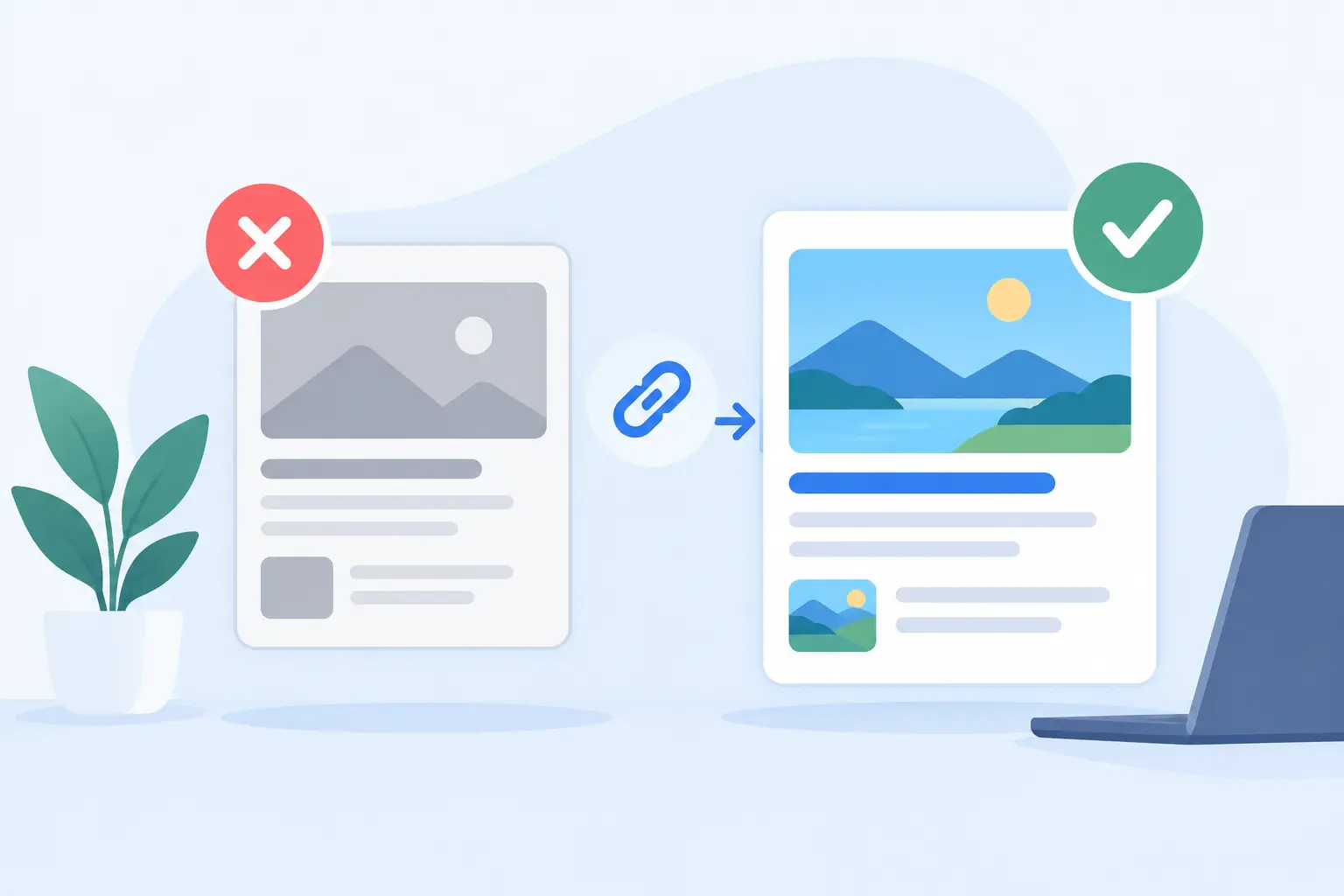
How to Prevent Stale Previews on Shared Links
Learn how to prevent stale previews across social apps with correct OG tags, cache refreshes, stable image URLs, and automated updates for every page.
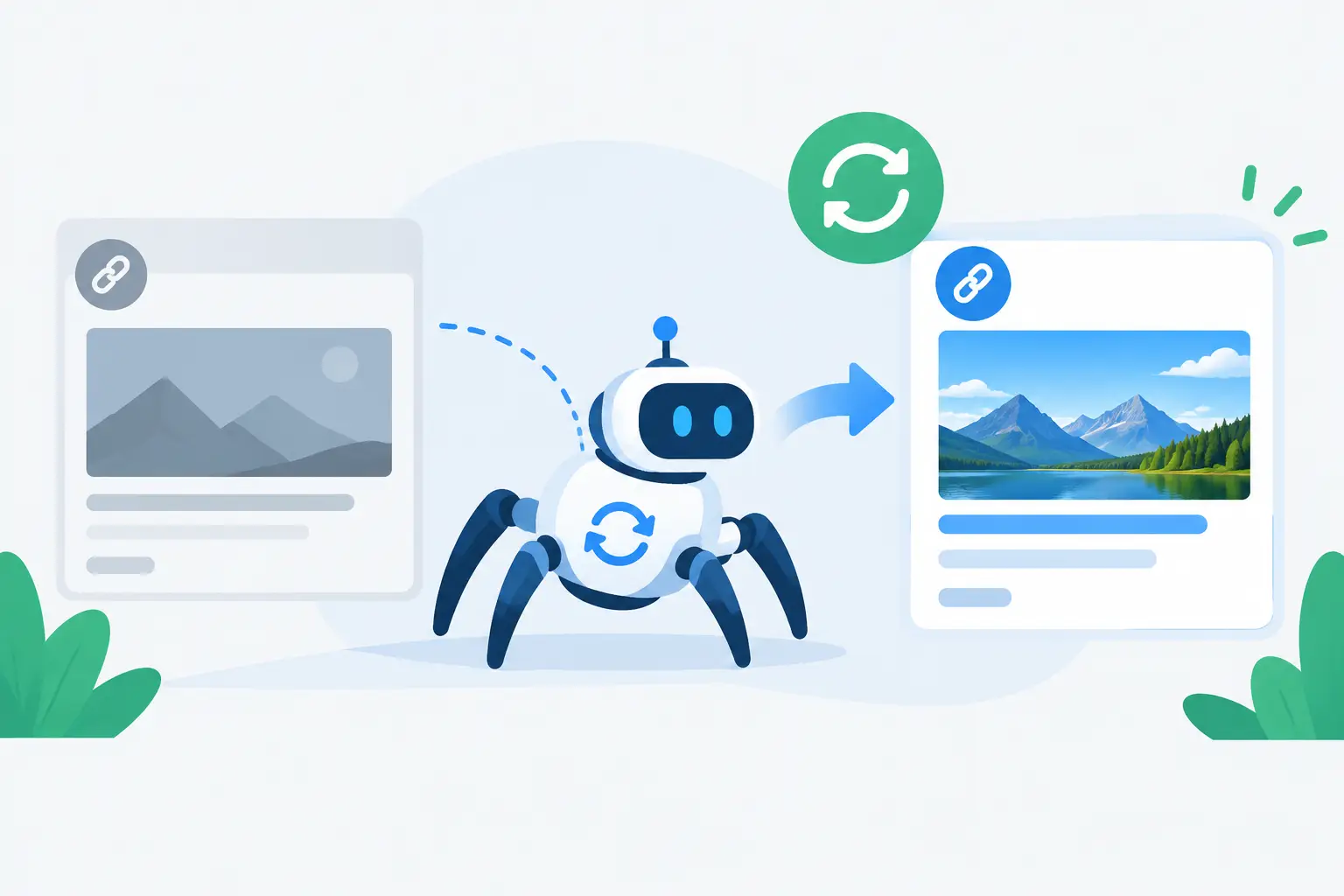
When Platforms Recrawl: Fixing Stale Link Previews
Learn when platforms recrawl link previews, why old OG images linger, and how to publish updates that show correctly when people share your URLs online.
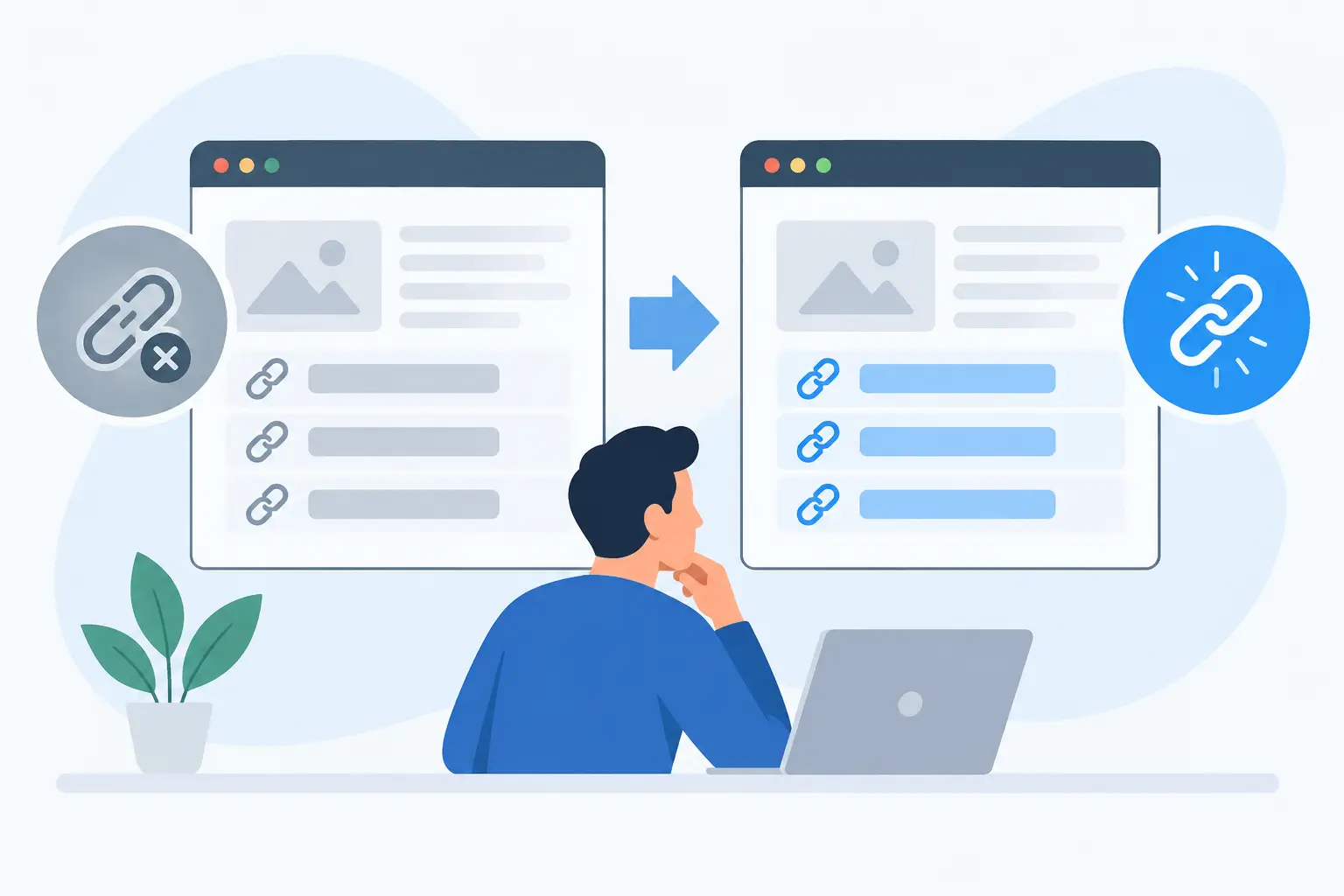
Why Links Show Gray Boxes and How to Fix Them
Why links show gray boxes when shared, what social platforms can read, and how to create branded Open Graph previews that earn more clicks consistently.
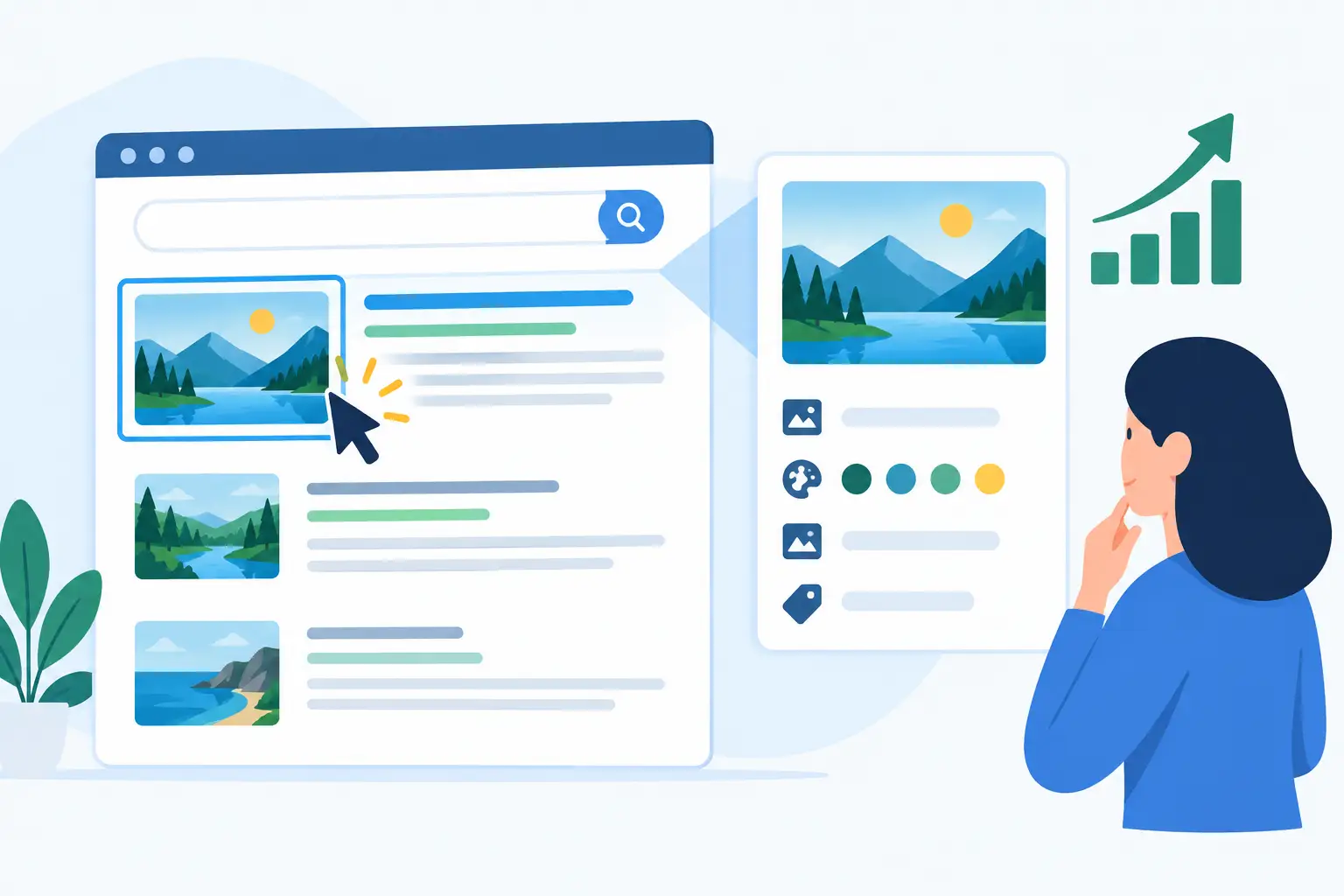
Can Metadata Images Improve Clicks? Yes, With Context
Can metadata images improve clicks? Strong Open Graph cards help shared links earn attention, signal trust, and bring the right visitors to your site.
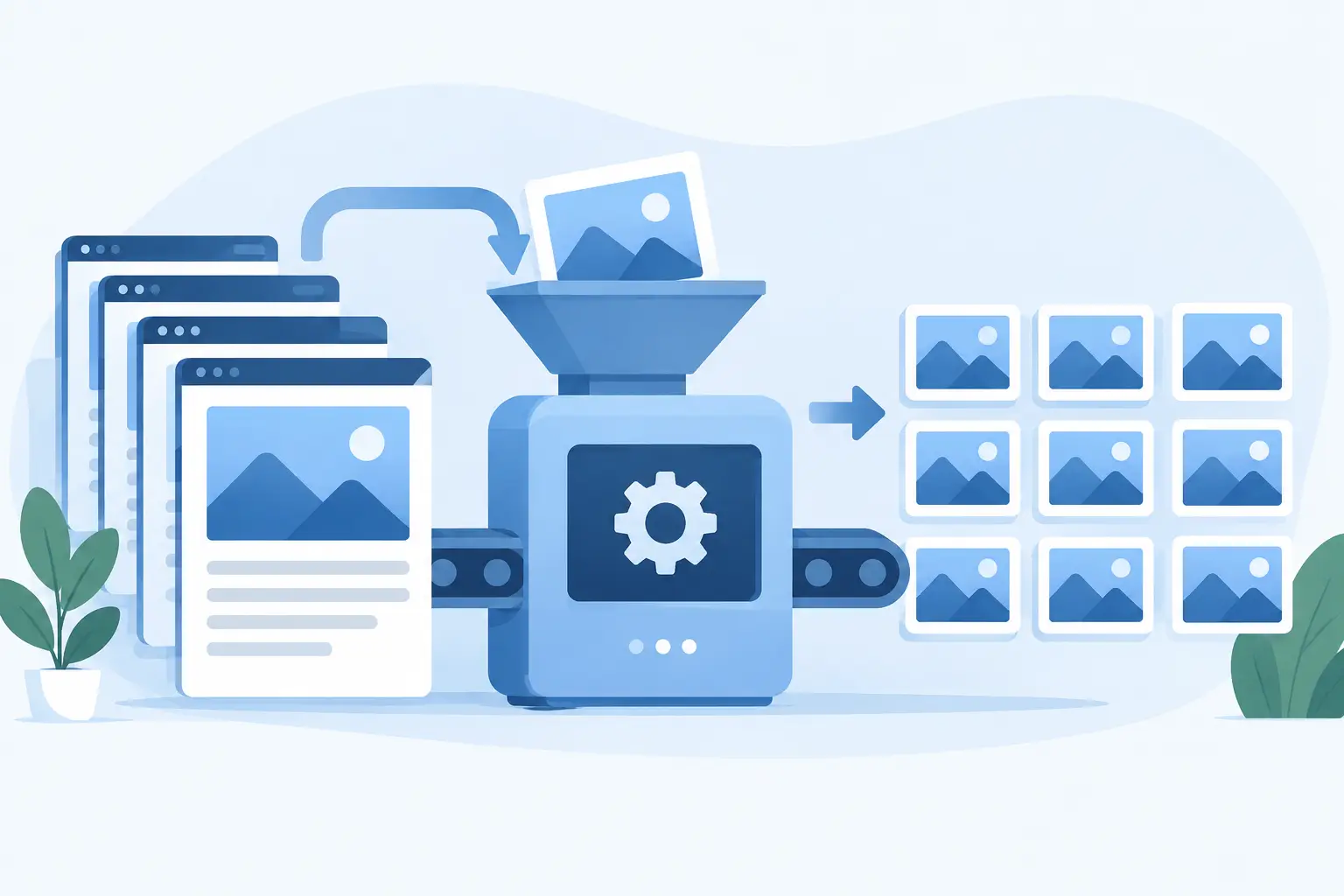
How to Automate Page Thumbnails at Scale
Learn how to automate page thumbnails with dynamic Open Graph images, templates, data mapping, and reliable previews for every URL on your site, daily.

Canva Versus Automation for Website OG Images
Canva versus automation is a choice between making share cards one by one and giving every website page a branded OG image automatically. See why.

Website Metadata Image Implementation Guide
Use this website metadata image implementation guide to create reliable, branded social preview cards that stay correct across every shared URL, reliably.
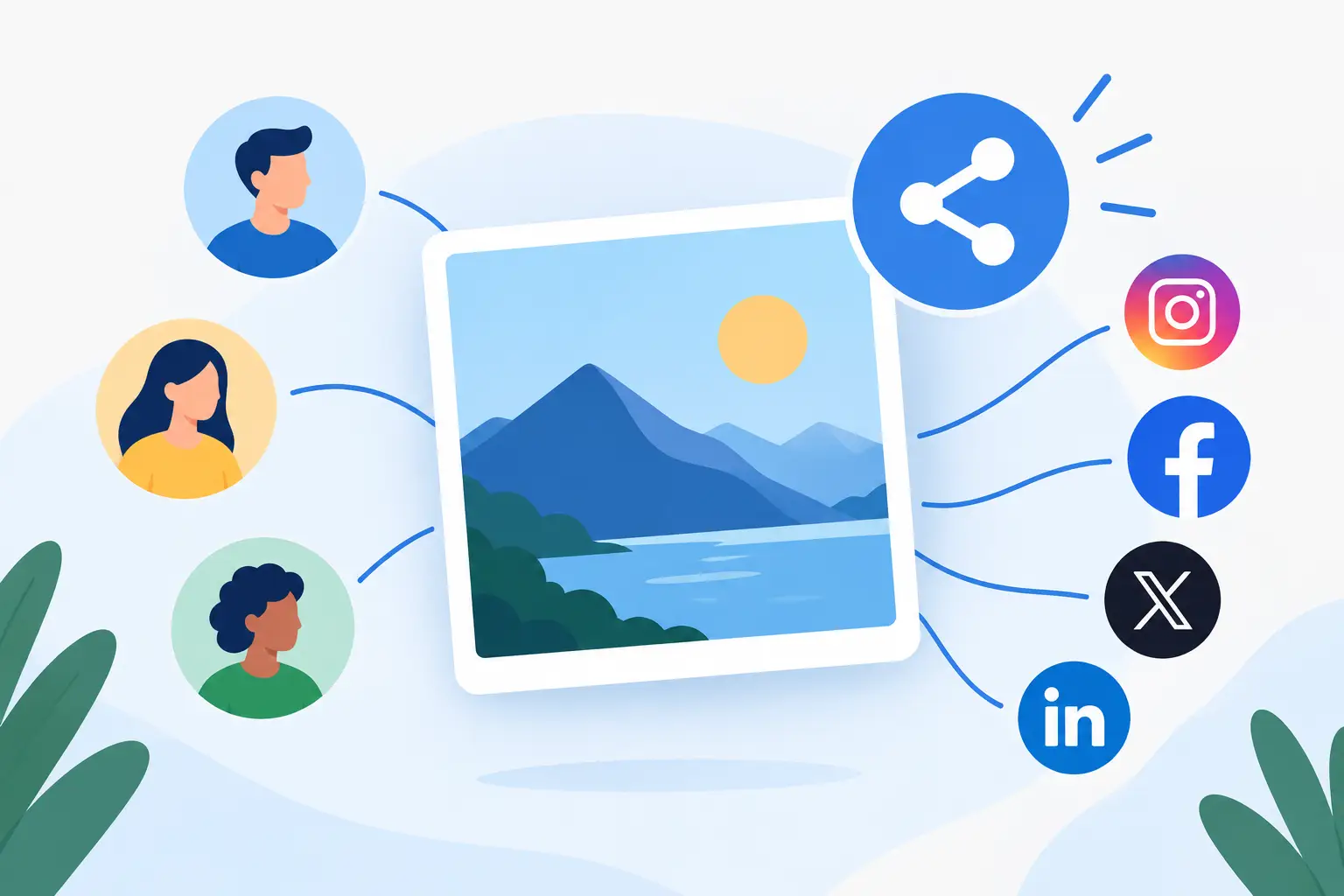
Branded OG Images That Make Every Share Count
Branded OG images turn every shared URL into a recognizable, click-worthy preview. Learn what to include, automate, test, and keep on-brand at scale daily.

How to Validate Social Metadata Before You Share
Learn how to validate social metadata across major platforms, catch stale previews and missing OG tags, and make every shared URL look on-brand everywhere.
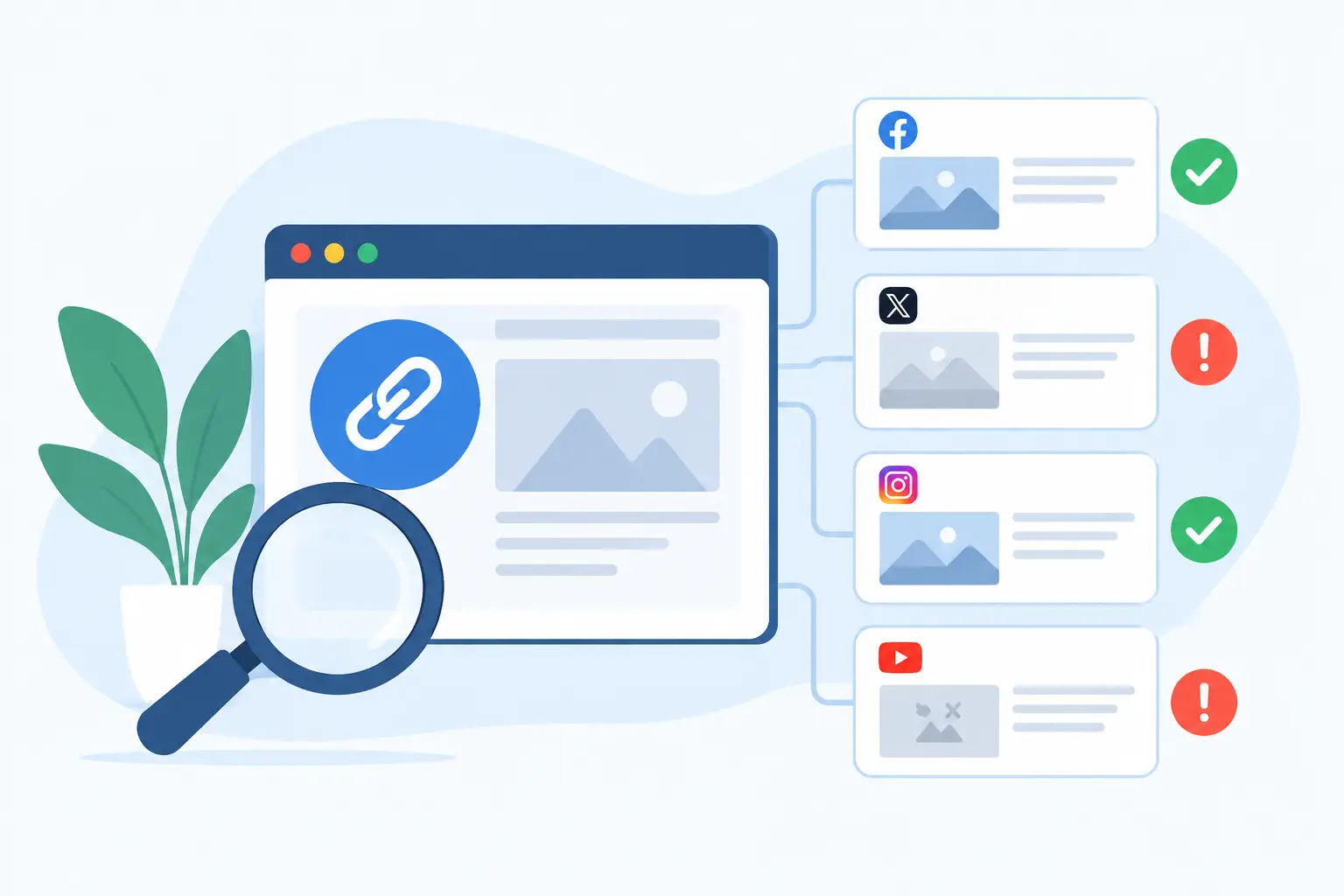
Link Preview Checker: Find Sharing Issues Fast
Use a link preview checker to catch broken titles, images, and descriptions before a shared URL becomes a forgettable gray social card. Every platform.

Dynamic OG Images for Every Page You Publish
Dynamic OG images give every shared URL a branded, page-specific preview. See how automated social cards save time and protect your brand at scale now.

Automatic OG Images for Every Website Page
Automatic OG images turn every shared URL into a branded card. Learn how they work, what to automate, and how to prevent recurring preview failures at scale.

Open Graph Image Generator for Every Page
An open graph image generator creates branded social cards for every URL, so shared links look intentional, current, and ready to earn clicks everywhere

OG Image Audit Tool: Find Broken Share Cards
An OG image audit tool finds missing, stale, and broken social cards across your site so every shared URL shows up branded and ready to win more clicks.

AI Open Graph Image Design for Every Page
AI open graph image design turns every shared URL into a branded, relevant social card without manual Canva work or developer queues for growing sites.
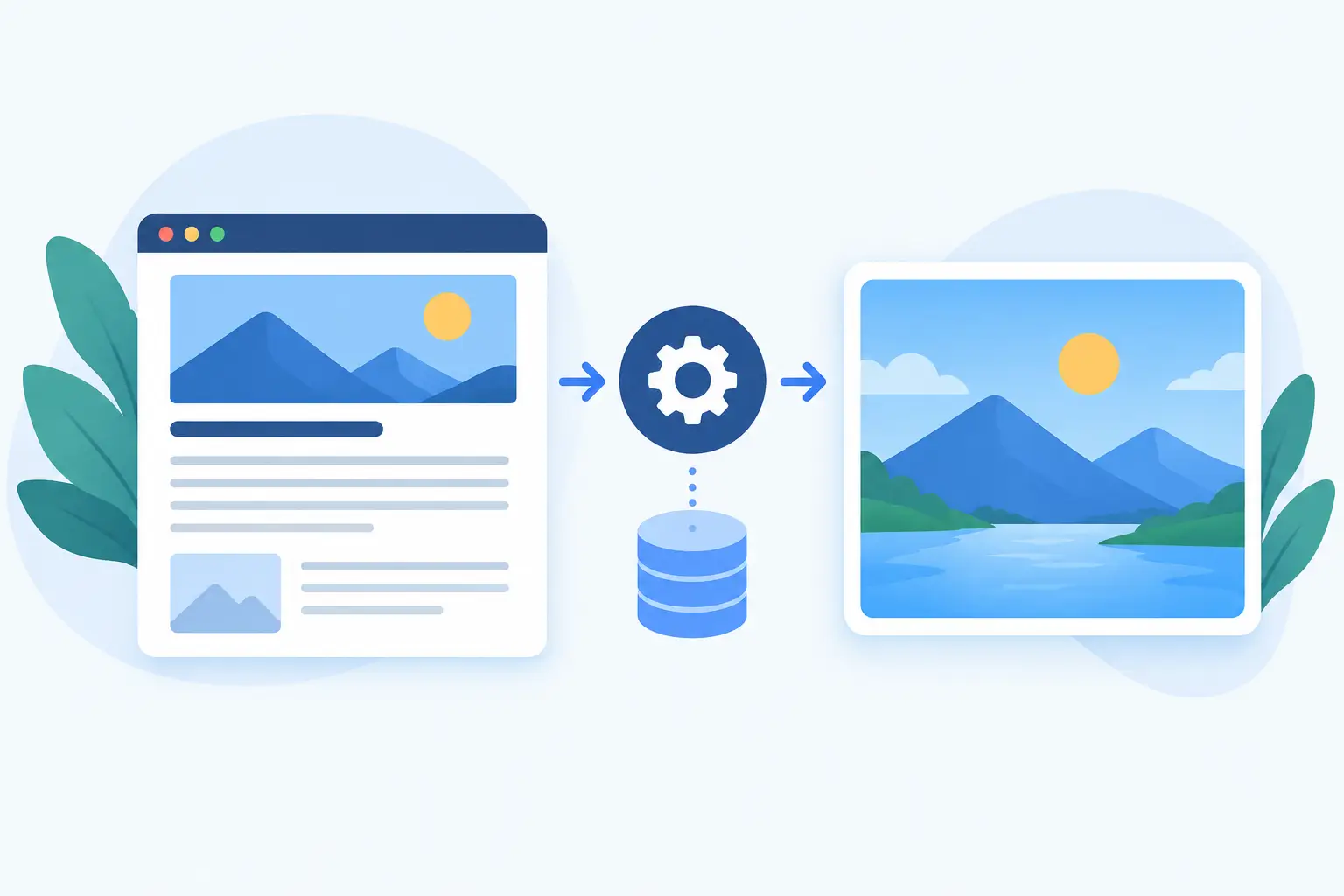
How to Generate OG Images From Page Data
Learn how to generate OG images from page data, map each URL to your brand, and keep every shared link visual fresh without manual design work on demand.

Facebook OG Image Crop Fix That Actually Works
Need a facebook og image crop fix? Learn why previews cut off, how caching affects tests, and how to publish reliable branded cards at scale.
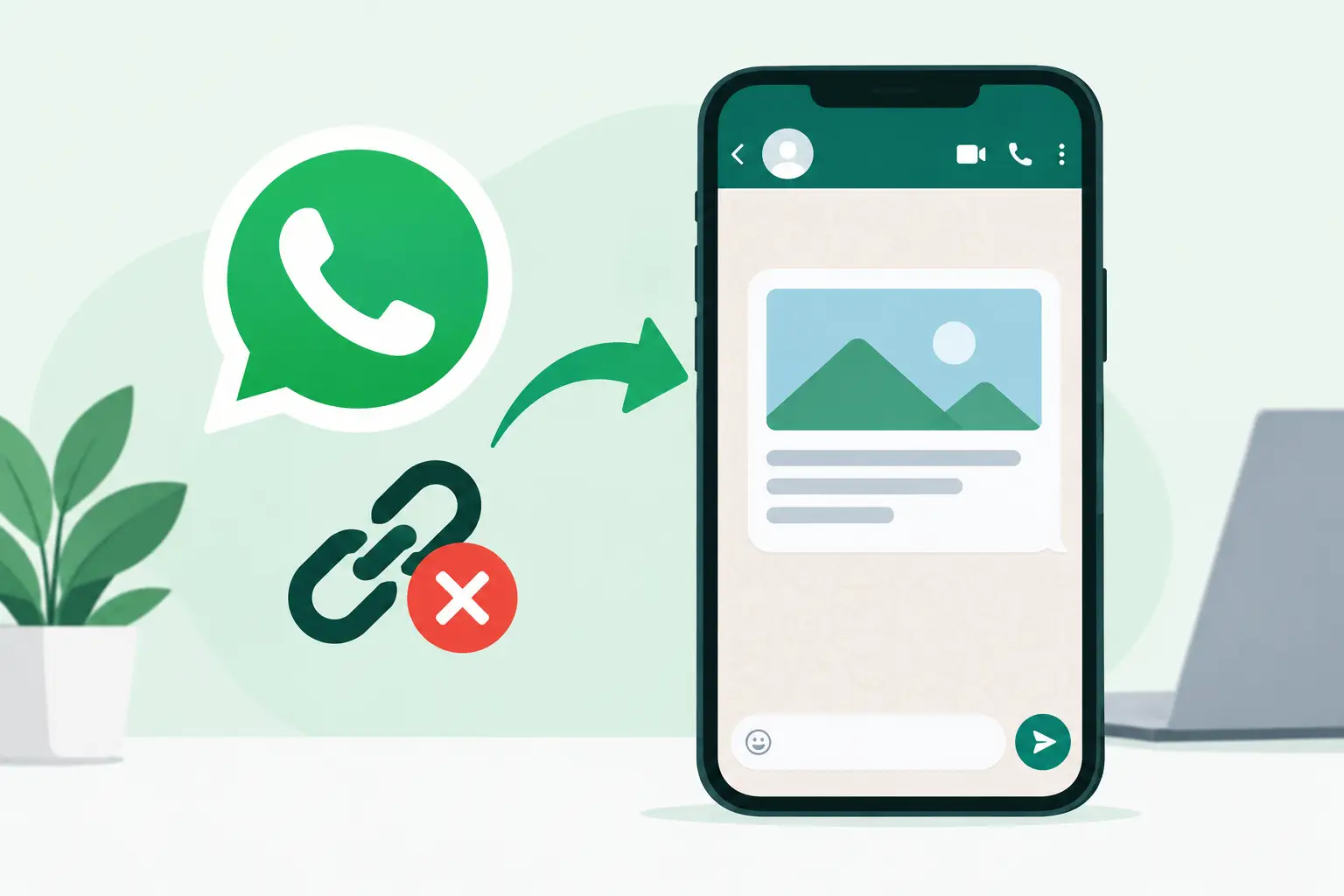
WhatsApp Link Preview Image Missing? Fix It Fast
A WhatsApp link preview image missing can make a great page look broken. Check OG tags, image rules, redirects, and WhatsApp caching to fix it correctly.

Slack Link Preview Image Checker for Better Cards
Use a Slack link preview image checker to see what your team will share, find broken Open Graph tags, and fix stale, weak, or missing image cards fast.

Ghost Social Share Image Automation That Scales
Ghost social share image automation gives every post a branded preview card, without manual design work or developer-maintained image pipelines at scale.

Next.js Dynamic OG Image Generation That Scales
Next.js dynamic OG image generation creates branded social cards from page data. See the trade-offs, setup choices, and scalable workflow for teams today.
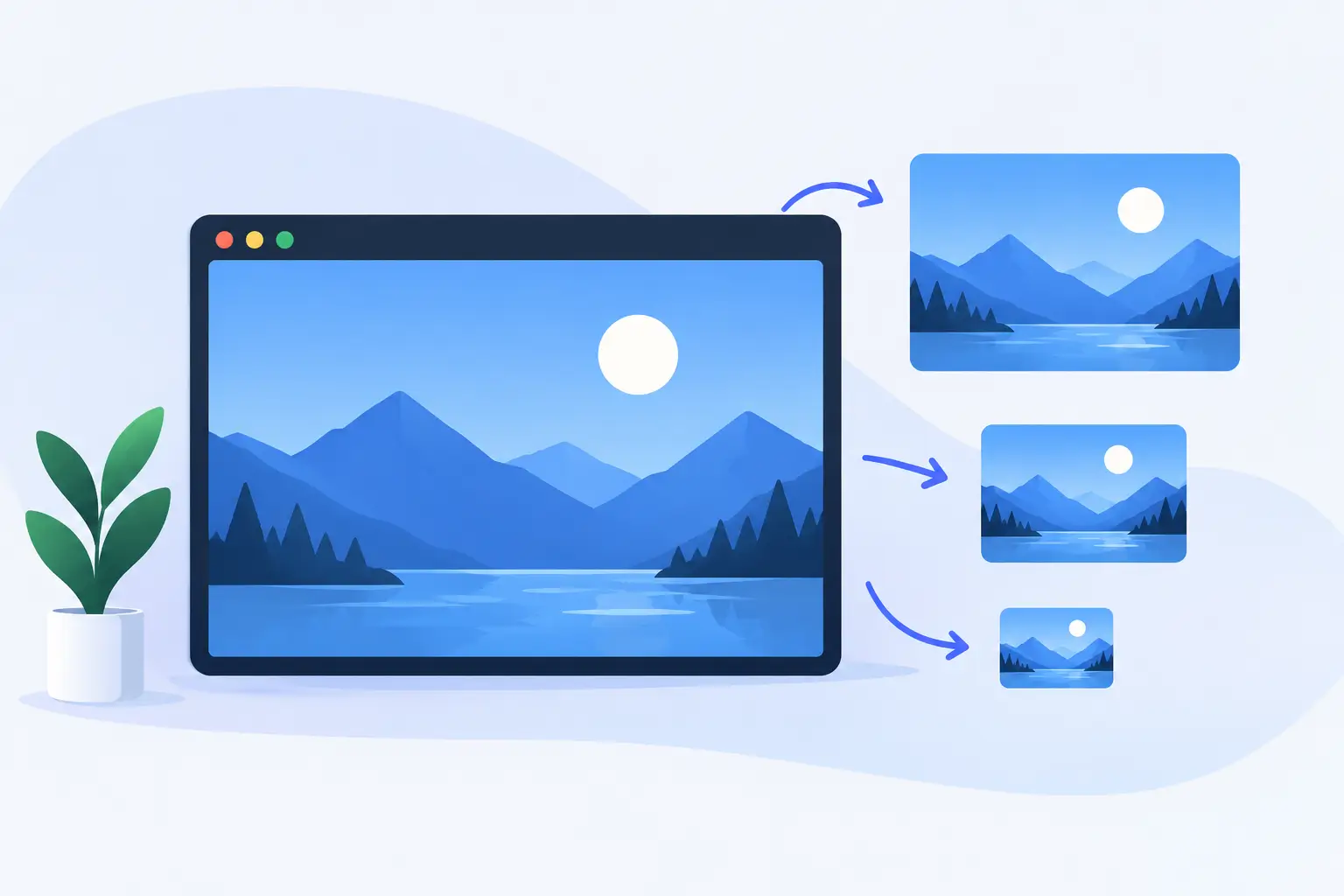
Webflow Dynamic Open Graph Images That Scale
Set up Webflow dynamic Open Graph images that pull CMS content, protect your brand, and give every shared page a polished, relevant preview card reliably.
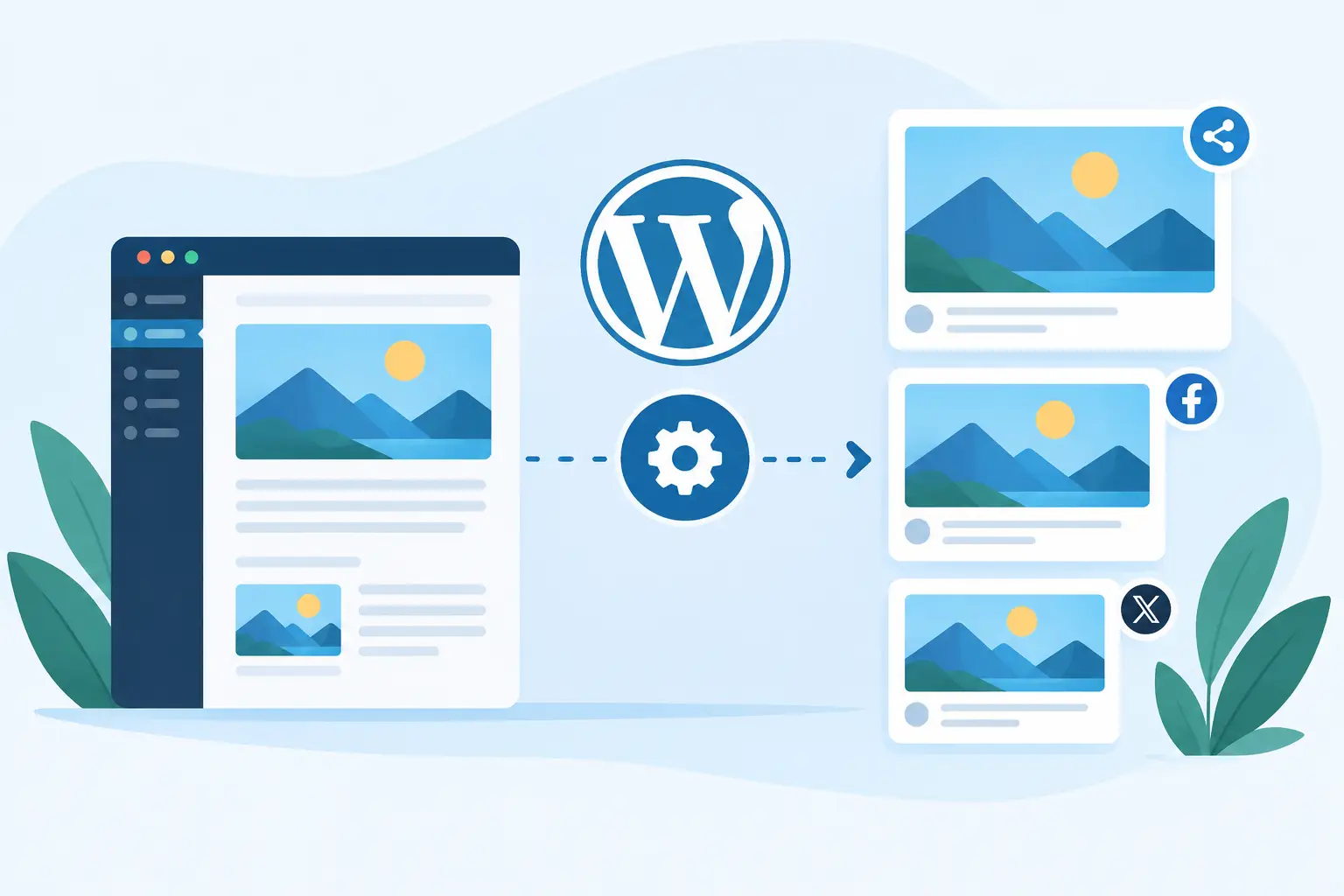
WordPress Automatic OG Images That Stay On-Brand
WordPress automatic OG images give every shared post a branded, page-specific preview - without Canva work, developer tickets, or broken cards at scale.

How to Fix LinkedIn Link Preview Image Issues
Learn how to fix LinkedIn link preview image issues, clear cached cards, validate OG tags, and keep every shared URL on-brand and clickable every time.

How to Test Link Preview Cards Before You Share
Learn how to test link preview cards across social apps, spot caching and OG tag issues, and confirm every shared URL looks on-brand before publishing.
