
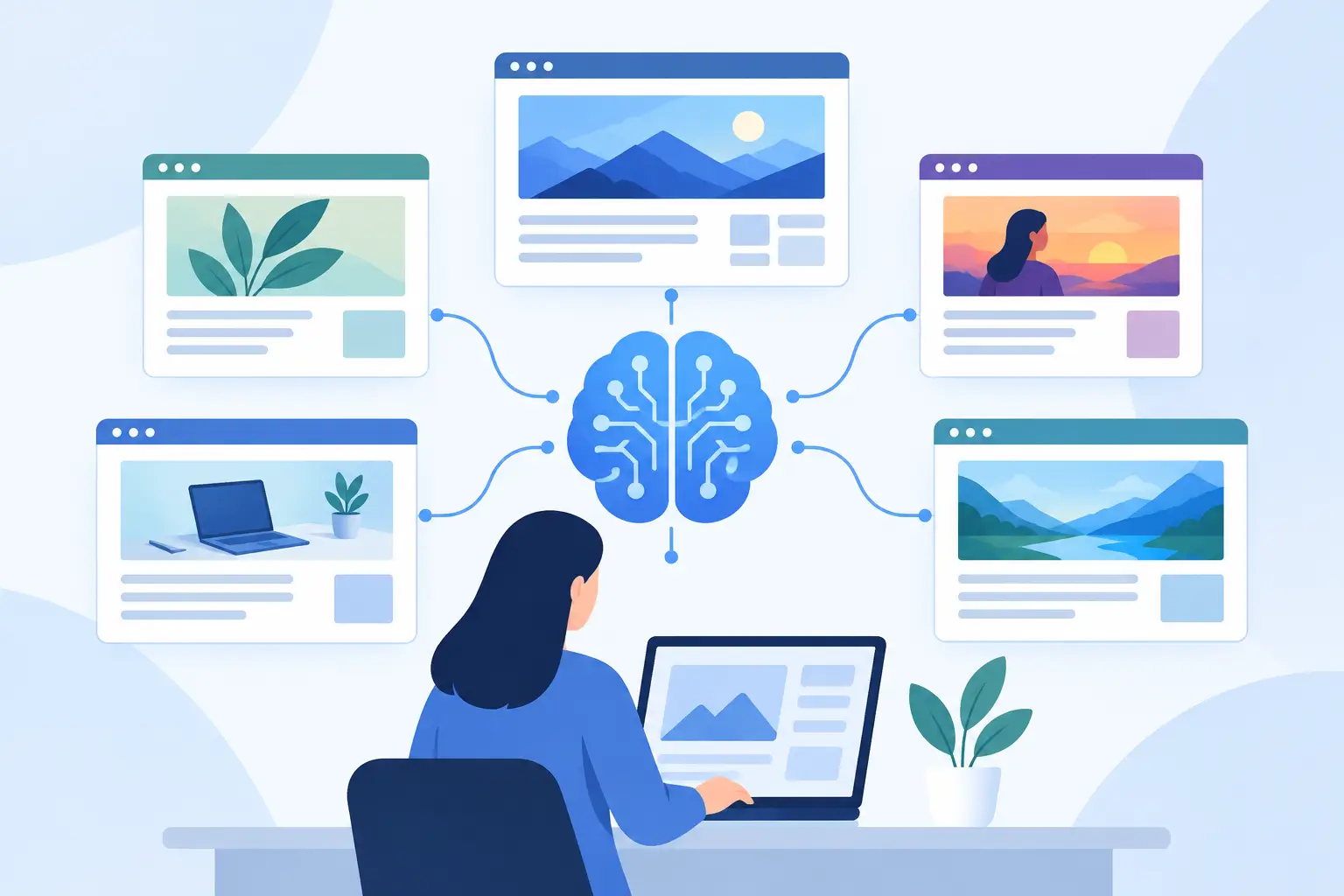
A great article can still look like a grey box when someone shares it in Slack. A product launch can lose its first impression because X pulls an old banner. A documentation page can show a cropped stock photo with no useful context.
That is the real job of AI open graph image design: not making one attractive graphic, but making sure every URL earns attention when it leaves your website. The image must be on-brand, readable at a glance, and specific to the page being shared. And it has to keep working after your site publishes its next 50 pages.
The problem is not design. It is design at URL scale.
Most teams understand that Open Graph images matter. They are the visual cards shown when links appear on LinkedIn, Facebook, Slack, WhatsApp, iMessage, and many other platforms. The problem starts when the website grows.
The usual workflow is familiar. Someone creates a master layout in Canva or Figma. A new blog post, feature page, or changelog entry goes live. Someone duplicates the file, updates the title and image, exports a PNG, uploads it, and adds the image URL to the page metadata. If nobody has time, the page gets a generic fallback or no image at all.
That process works for five pages. It breaks at 50. At 500, it becomes a quiet quality problem that spreads across social posts, sales messages, customer support replies, community updates, and partner shares.
Developer-built image generation can solve the volume issue, but it creates a different bottleneck. Small visual changes require engineering time. Marketing cannot test a new layout without a deployment. Content teams may end up with technically correct cards that still feel generic because the system only knows how to place text on a fixed background.
AI can help create a starting design faster. It cannot, by itself, maintain your visual system or know which page data belongs on every card. That requires a workflow built around templates, content mapping, rendering, and preview checks.
What good AI open graph image design actually does
A useful system begins with your brand, not a random prompt. It uses your colors, type hierarchy, logo placement, and image treatment to create a layout that looks like it belongs to your site.
Then it connects that layout to the data already on each page. A blog post card might pull the article title, author, category, and featured image. A SaaS page might use the product name, short benefit statement, and interface screenshot. An event page can display the event date, speaker, and location. A product listing can include the price or collection image.
The distinction matters. AI-generated artwork may give you an attractive background. Automated OG image production gives every page a relevant card.
The best result is not necessarily the most decorated one. Link previews appear in busy feeds, compact chat windows, and email threads. Small text disappears. Thin logos vanish. A card that looks polished at full size can become unreadable when reduced to a thumbnail.
A strong design usually has one clear focal point: the page title, a product visual, or a recognizable photo. Supporting details should reinforce that focal point, not compete with it.
Design for the preview, not the artboard
Open Graph images are commonly created at 1200 by 630 pixels, but the actual crop and display size vary by platform. X may show a different treatment than LinkedIn. Slack may cache an older version. WhatsApp often gives viewers less room to process small details.
This is why previewing matters as much as rendering. Check that the title does not run too close to the edge, that faces or product screenshots are not hidden by a crop, and that contrast holds up against both light and dark platform interfaces.
Keep titles short enough to breathe. If a page title is long, your design needs a sensible rule: reduce the font size within a safe range, limit it to a set number of lines, or use a shorter social title. There is no universal answer. A documentation library may need longer titles for clarity, while a launch page benefits from a tighter message.
Start with a design system, then let AI accelerate it
AI is valuable when it removes the blank-canvas problem. Feed it the raw ingredients of your brand: a logo, colors, type preferences, example pages, and the type of content you publish. It can propose directions you can refine instead of asking a busy marketer to become an image designer.
But treat the output as a first draft. Review it for the things generators often miss: logo clear space, readable text contrast, safe crop zones, accurate product visuals, and a hierarchy that still works when page data changes.
For most sites, one design is not enough. That does not mean every page needs a custom layout. It means your site needs a small set of rules.
A practical setup may include a blog template, a product or feature template, a documentation template, and a default fallback. The blog version can prioritize a featured photo and headline. The documentation version can favor topic labels and legible text. The fallback gives every overlooked page a credible card instead of an empty preview.
This is where a visual editor matters. Your content team should be able to change a color, move a logo, adjust an overlay, or select a different layout without waiting for a developer. The design stays controlled, but the people responsible for distribution can actually operate it.
Connect page data once
The real leverage comes from dynamic data mapping. Instead of editing a new image for each URL, you tell the system what each part of the layout should use.
For example, map the primary headline to the page title, the background to the featured image, and the smaller label to the content category. For a store, you might map product name, price, and product photo. For a changelog, map the release title, date, and version number.
Once the mapping is correct, publishing a page becomes the trigger. Every new URL gets its own social card without a separate request, export, upload, or metadata chase.
That is the difference between making images and operating a visual publishing system. Design once. Connect once. Every page gets its own OG image.
You still need guardrails. Use fallback values for pages without featured photos. Decide what happens to exceptionally long titles. Exclude pages that should not be shared publicly, such as internal search results or account screens. Make sure the system does not pull unreviewed user-generated text into a brand-facing image.
Make sure the metadata and image delivery are reliable
A beautiful generated image does nothing if social platforms cannot find it. Your page needs the correct Open Graph metadata, especially the image URL, title, and description. The image must be publicly accessible, large enough to render well, and served consistently.
Caching creates a common source of confusion. You update the OG image, share the page again, and a platform still shows the old card. Usually, the platform has cached the previous preview. A link-preview checker helps confirm what the page currently exposes and which image a crawler can see.
Do not assume that a successful browser view means a social crawler can access the asset. Redirects, blocked resources, incorrect content types, slow rendering, and password protection can all interfere with previews. Test important URLs before a launch, not after the social post is already live.
If you use existing SEO tools such as Yoast or Rank Math, the goal is not to replace the work they already do well. It is to add a better image-production layer while preserving the metadata controls your site depends on.
Measure the right outcome
Open Graph images are not decorative metadata. They influence whether a shared link looks credible enough to click. The impact can show up as better click-through rates from social posts, more confidence in a founder's shared launch, or fewer embarrassing previews in sales and support conversations.
Attribution is not always clean. A stronger card may also improve perceived relevance, and the channel itself may change from post to post. Compare similar content over time, watch referral traffic, and inspect how your most important URLs look where people actually share them.
The fastest win is often an audit. Review the pages that receive the most shares, rank for valuable terms, or appear in outbound campaigns. Fix missing, outdated, generic, and poorly cropped cards first. Then put automation in place so the same problem does not return next quarter.
Tools such as getwowlink are built for this operating model: generate a branded starting point, edit the design visually, map live page data, and render an image for every current and future URL. The point is not to add another design task. It is to remove one.
Your next shared link should not depend on whether someone remembered to open a design file. It should look like your brand did the work on purpose.
