
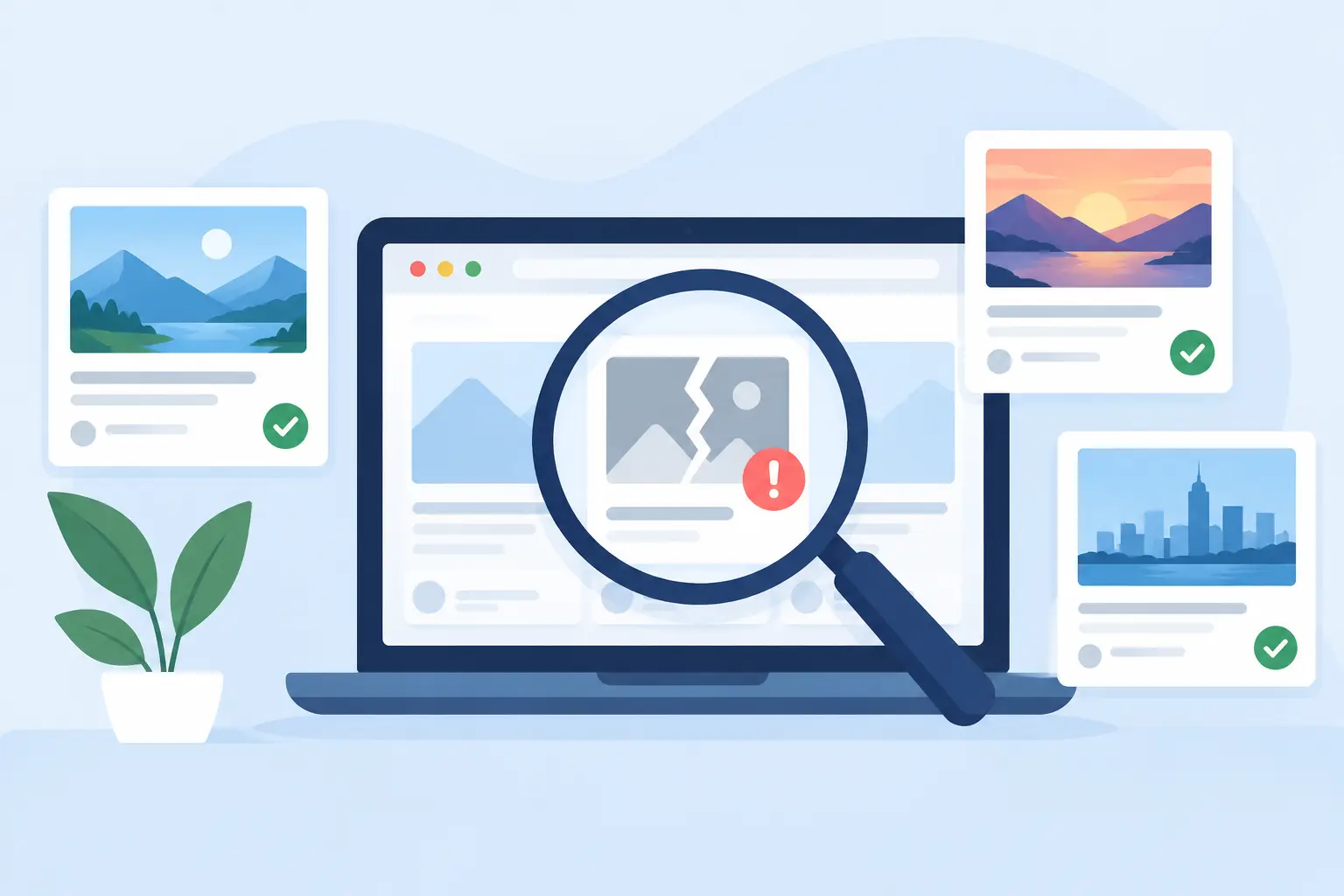
A shared link should not turn your homepage, product launch, or latest article into a grey box with a random thumbnail. An OG image audit tool shows you exactly where that happens before your audience does. It checks the social preview attached to each URL, so you can find missing images, outdated cards, wrong titles, and pages that simply do not render the way your brand expects.
For a site with 20 pages, this can feel like a quick cleanup. For a SaaS site, publication, docs center, or agency portfolio with hundreds or thousands of URLs, it is a content operations problem. Every new page is another chance for an unbranded, broken, or stale share card to go live.
What an OG Image Audit Tool Actually Checks
Open Graph metadata tells social platforms what to show when someone shares a link. The key fields are usually the page title, description, canonical URL, site name, and most visibly, the `og:image` URL.
An audit tool checks whether those fields exist and whether the image can be fetched and rendered. But a useful audit goes further than a simple pass-or-fail result. It helps you see the preview as people will see it in places like X, LinkedIn, Slack, WhatsApp, Facebook, and iMessage.
That distinction matters. A technically valid image can still be a weak social card. It may be the wrong crop, use tiny text, show an old campaign message, or pull the same generic image for every page. Your tags may be present, but your distribution still looks unfinished.
The failures worth finding
The most common issue is a missing `og:image`. Platforms then choose their own thumbnail, use a logo, or show no image at all. That creates inconsistent previews that are hard to spot unless you test each URL.
The next is an image that exists but does not match the page. A blog post may use last quarter's featured image. A pricing page might still carry a launch graphic. Documentation pages often inherit a default image that says nothing about the topic being shared.
Then there are rendering failures. The image URL can return an error, redirect in a way a crawler does not follow, block the platform's bot, or point to a file that is too large or poorly sized for common social-card layouts. Caching makes this even more confusing: you fix the tag, but a platform continues showing the old version for a while.
Why Manual Preview Checks Stop Working
Checking a few important URLs by hand is sensible. Checking every page that way does not scale.
A typical manual workflow looks harmless at first. Someone creates a design in Canva, exports an image, uploads it, adds it in a CMS or SEO plugin, and runs a preview test. Repeat that for each article, feature page, changelog entry, case study, and campaign landing page.
The time cost is obvious. The hidden cost is drift. New content gets published without a social image. Old content keeps old branding. A redesigned site updates the homepage card but leaves hundreds of archived URLs behind. Different team members use different fonts, colors, and logo treatments because no system is enforcing the design.
An audit exposes this gap. It gives you a list of URLs to fix instead of relying on whoever happens to notice a bad preview in Slack.
How to Run an OG Image Audit Without Creating More Work
Start by deciding which URLs matter for sharing. Do not treat every URL equally. A login page does not need a custom card. A product page, high-traffic article, comparison page, customer story, release note, or resource page probably does.
Pull URLs from your sitemap, CMS, site crawler, or analytics. Then review them in groups that reflect how your site works: marketing pages, blog posts, docs, products, and campaign pages. This makes patterns easier to see. If every docs page has the same weak default card, you have a template problem, not 200 separate problems.
1. Check for a real image, not just a tag
A page can contain an `og:image` tag and still fail in practice. Confirm that the image URL loads publicly, returns an image file, and is not dependent on a browser session or a protected asset host.
Also check the dimensions. A 1.91:1 image, commonly 1200 by 630 pixels, works well across many social platforms. Exact display behavior varies by platform, so keep essential text and logos away from the edges. A card that looks fine on one network may crop awkwardly in another.
2. Check relevance at the page level
Ask one direct question: if someone sees only this card in a busy feed, will they understand why the link is worth clicking?
Your page title should be readable. The visual should match the page topic. A screenshot, featured photo, author, price, date, or product name can help when it adds context. It depends on the content type. A blog article may need a strong headline and author treatment, while a product page may be better with the product name, category, and a clean branded backdrop.
3. Check visual consistency without making every card identical
Consistency does not mean copying the same image across the site. It means building a recognizable system: the same type scale, color logic, logo placement, and image treatment, with page-specific content filling the card.
This is where static default OG images fall short. They keep the brand consistent, but they do not tell viewers what makes one URL different from the next. The better approach is to design once and populate each card with the content already on the page.
4. Test platforms and account for cache behavior
A preview checker can show what major platforms detect right now, but it cannot force every network to refresh instantly. Social crawlers cache metadata and images on their own schedules.
When you update a broken card, verify that the page source contains the new image URL or expected metadata first. Then use platform-specific preview or re-scrape tools where available. If an old card remains, the issue may be cache delay rather than a failed implementation. Avoid changing the design repeatedly before you know which problem you are solving.
Turn Audit Results Into an Automated System
An audit should not end with a spreadsheet full of red flags. The goal is to remove the reason those errors keep returning.
For a small, stable site, you may be able to create a few section-level templates and update cards manually. For sites that publish frequently, dynamic OG image generation is usually the better trade-off. Your design pulls the page title, featured image, author, date, price, domain, or URL into a branded layout automatically. Every page gets its own OG image without asking a designer to make another export.
That is the operating model behind getwowlink: design the card system once, connect it to the data your site already has, and keep new and existing URLs visually on-brand. It can sit alongside SEO tools that already manage your metadata rather than replacing the parts that work.
The technical implementation varies. WordPress, Ghost, and Webflow users may map CMS fields through an integration. Next.js, PHP, HTML, and custom sites can use a generated image URL or page-level metadata logic. The details differ, but the principle stays the same: your social image should be part of publishing, not a task someone remembers after publishing.
What to Prioritize After the Audit
Fix pages based on opportunity, not just error count. Start with URLs that get shared, rank well, appear in newsletters, support paid campaigns, or represent a critical conversion path. A broken card on a high-traffic comparison page is more costly than one on an old archive page with no distribution.
Next, fix template-level failures. If a CMS collection has no mapped featured image or a global tag points to an obsolete asset, solve it once at the source. That creates a durable improvement across every affected URL.
Finally, set a recurring audit rhythm. Run it after site migrations, brand refreshes, CMS changes, template launches, or major content imports. For active sites, a monthly or quarterly review catches the quiet failures that emerge as your content library grows.
A good social card is a small piece of your brand, but it travels farther than most page elements. Audit it, make the fixes repeatable, and let every shared URL look like it belongs to the business that published it.
