
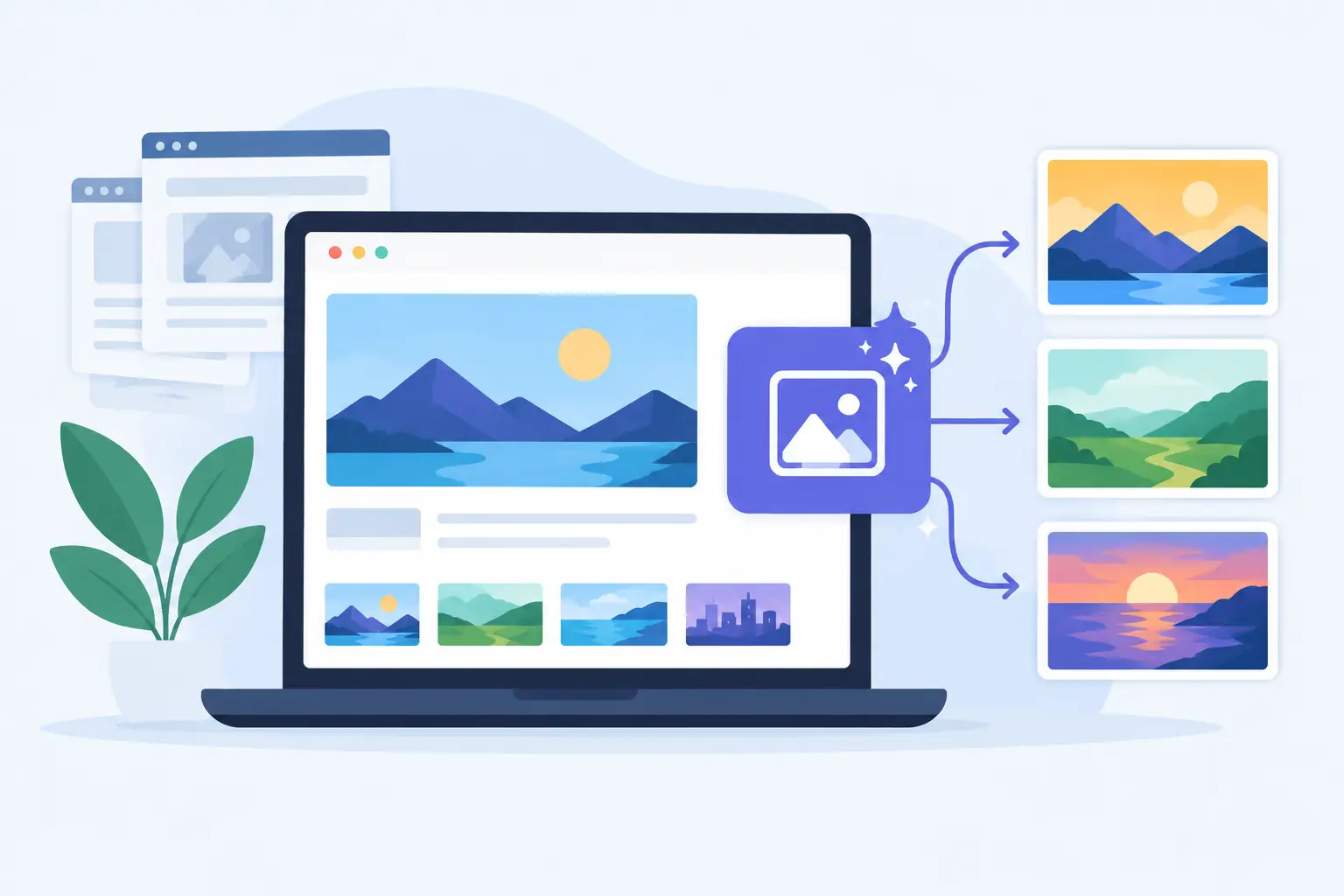
A shared link gets one chance to look credible. If it lands in Slack, LinkedIn, X, or iMessage as a grey box, an outdated photo, or a cropped logo, the page can feel unfinished before anyone reads the headline. An open graph image generator fixes that gap by creating a branded social card for each URL on your site - without asking your team to make images one by one.
That matters more as your site grows. Ten pages are manageable in a design tool. A hundred blog posts, product pages, docs articles, landing pages, and changelog entries are not. The problem is not just creating an image. It is keeping every image accurate when a title changes, a price updates, a new author publishes, or a page is added at 4:45 p.m. on a Friday.
Why link previews lose attention
Open Graph images are the visual cards shown when someone shares a URL. The image works alongside metadata such as the page title and description, but it often does the most immediate work. It gives people a reason to stop scrolling and a fast signal that the link comes from a real, considered brand.
When no image is set, platforms may pull a random image from the page or show nothing useful. When one generic image is used across the whole site, every share looks the same. That may be acceptable for a small brochure site. It is a weak fit for a publication, SaaS company, documentation hub, ecommerce catalog, or agency client site where each page has a distinct reason to be clicked.
Manual workflows create a different problem. Someone has to duplicate a Canva file, replace the headline, export the image, name it correctly, upload it, add the URL to the page metadata, and check how it renders. Then they have to do it again for the next page. The visual quality can be high, but the system breaks as publishing frequency rises.
Developer-built image generation can solve scale, but it has its own cost. It requires engineering time, ongoing maintenance, font handling, image-hosting decisions, dynamic data logic, and a way for marketers to adjust layouts without filing a ticket. For teams that need custom control and have engineering capacity, that route can make sense. For most content operations, it turns a publishing detail into a product project.
What an open graph image generator should do
A useful generator is not just a template with a download button. It should connect your existing page data to a design system, then render the right image when a page is shared. Design once. Connect once. Every page gets its own OG image.
The design should support the information that actually changes from page to page: titles, featured images, author names, dates, prices, categories, product details, domain names, and URLs. A blog article may need a large headline and author. A product page may need a product photo and price. A docs page may need the article title, category, and a clean brand treatment.
This is where dynamic mapping matters. Instead of asking a writer to type the title into an image design, the generator pulls the title from the page itself. Update the title in your CMS and the social card can update with it. The same logic applies to featured images and other fields.
The best setup also gives non-designers control over the visual layer. Your team should be able to set brand colors, typography, logo placement, backgrounds, image crops, and safe areas for long titles. Automation should not mean accepting a rigid template that looks like everyone else’s.
Build for the platforms people actually use
Most Open Graph images are created at 1200 by 630 pixels. That size is a reliable starting point across major social and messaging platforms, but the preview experience is not identical everywhere. LinkedIn, Facebook, X, Slack, WhatsApp, and iMessage can crop, cache, or display cards differently depending on the context.
A good design keeps its most important elements away from the edges. Put the headline, logo, and key product image in a safe visual area. Avoid tiny type. Do not depend on a thin border to carry the design. If your title can run long, establish a sensible maximum line count and a fallback style before the first hundred pages expose the issue.
Photos need attention too. A featured image can add energy, but not every image is suitable for a social card. Some have poor contrast behind text. Some crop badly. Some are already crowded with interface details. Give your design enough structure that the brand remains recognizable whether the featured image is a polished photo, a product screenshot, or no image at all.
Before publishing, use a multi-platform preview checker. It helps catch the quiet failures: a missing `og:image` tag, the wrong canonical URL, a title that wraps awkwardly, or an old image held in a platform cache. Previewing is faster than discovering a broken card after a launch announcement has already been shared.
Connect page data, not another manual task
The right implementation depends on your site, but the goal stays the same: make the social image URL dynamic and dependable. WordPress, Ghost, and Webflow sites often need a lightweight connection that works alongside existing SEO tools. Next.js, PHP, HTML, and custom-coded sites may pass page values directly into the image URL or render logic.
Keep ownership clear. Your CMS or application remains the source of truth for page content. The image system reads that content and creates the visual asset. That prevents a second editing system from drifting out of sync with what visitors see on the page.
It also helps to separate designs by content type. One all-purpose layout can work at the beginning, but a product page and a thought-leadership article do not need to look identical. Create a shared brand foundation, then use section-specific designs where the message changes. Your site stays consistent without making every card feel copied and pasted.
getwowlink is built around this model: create a branded design, map it to live page data, and let the system render and host the image for each current and future URL. That gives marketers editing control without asking developers to maintain a separate image-generation service.
Plan for caching before it becomes a launch problem
Social platforms cache preview data aggressively. If you replace an image and a platform still shows the old version, the design may be correct while the cached preview is not. This is common, especially for pages shared repeatedly.
Use image URLs that can change when the underlying content or design changes. A version parameter, updated render path, or generator-managed cache strategy gives platforms a reason to fetch a fresh asset. Then test the exact page URL in a preview checker instead of assuming an uploaded image has propagated everywhere.
There is a trade-off here. Frequent changes to evergreen content may not need instant social-card refreshes. But launch pages, pricing pages, event pages, and time-sensitive announcements do. Decide which page types need stronger freshness rules, then automate accordingly.
Measure the difference in the right places
An OG image does not replace a good headline, a clear offer, or a page that loads quickly. It improves the moment before the click. That means the clearest results often show up in referral traffic quality, campaign click-through rates, social engagement, and the consistency of brand presentation across shared links.
Start with the URLs that travel most: homepage, high-traffic articles, product pages, comparison pages, documentation, and launch announcements. Check how they look in the channels your audience uses. If they already look good, ask whether the process still works for the next 50 pages. If they do not, fix the system rather than polishing one card at a time.
Common questions
Can I use one OG image for my whole site?
Yes, but it is usually best for a very small site or a temporary setup. A single image preserves baseline branding, while page-specific cards give every shared link a clearer story.
Will this interfere with Yoast, Rank Math, or existing SEO metadata?
It should not. A properly configured generator supplies or updates the image value while your SEO tool can continue managing titles, descriptions, canonicals, and other metadata. Test one page first to confirm which system controls each field.
Do I need a designer or developer to get started?
Not necessarily. You need a clear brand direction and access to your site or CMS. A visual editor can handle most layout work, while technical help may be useful for custom sites or unusual data sources.
The next time you publish a page, share it privately before you promote it. Look at the card as a stranger would. If it does not make the link feel worth opening, that is not a design detail. It is a distribution opportunity waiting to be fixed.
