
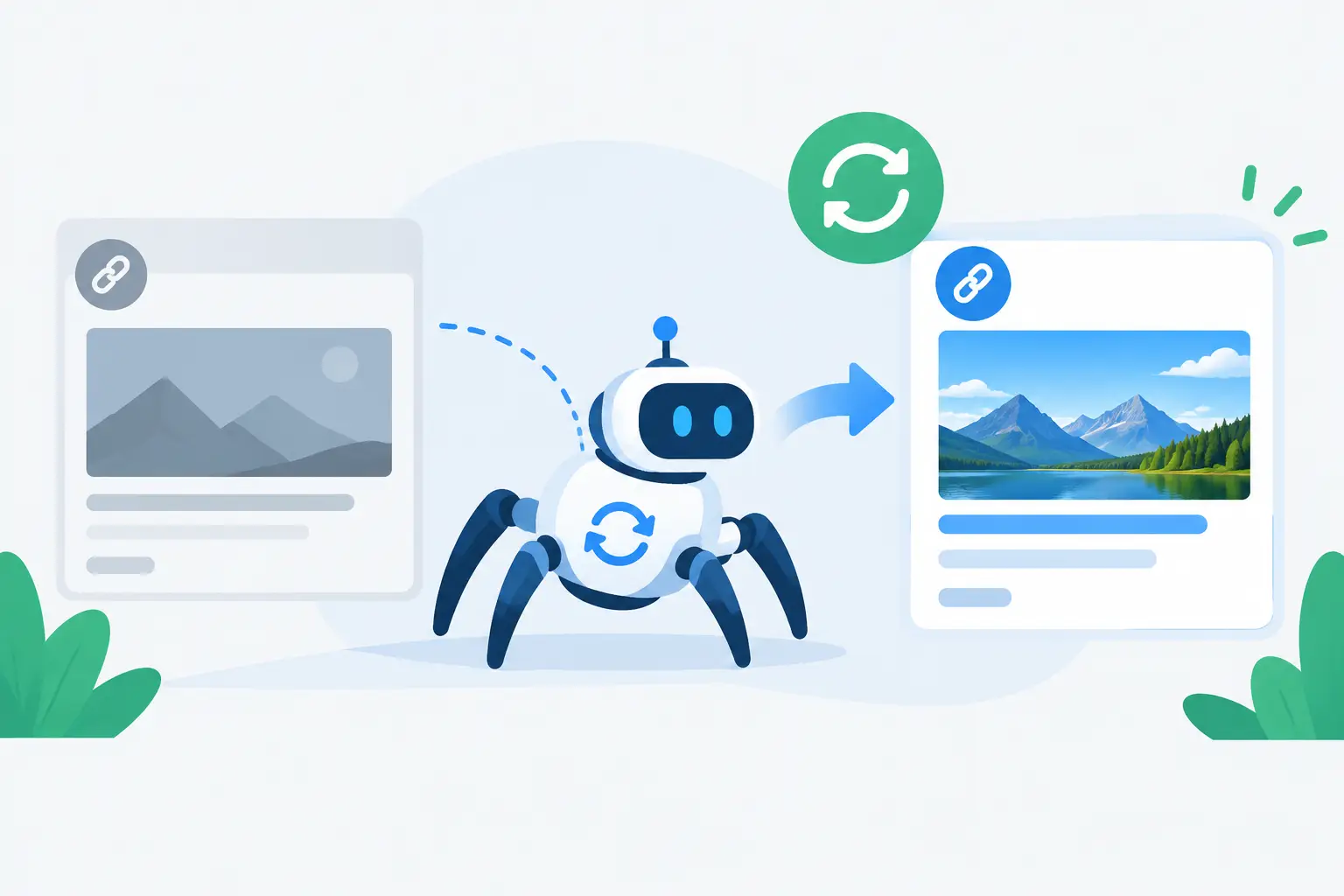
You update a launch page, publish a sharper OG image, and share the URL. Then LinkedIn shows last week’s headline. Slack pulls an old screenshot. X displays a blank grey card. The question is not whether your page changed. It is when platforms recrawl the URL and decide to replace the preview they already stored.
That delay is frustrating because a link preview looks like part of your website, but it is not fully under your control. Each sharing platform runs its own crawler, reads your metadata, downloads your image, and caches the result on its own schedule. Your CMS can be perfect. Your new image can be live. The platform may still serve its older version.
For teams shipping content, product updates, pricing changes, or announcements, that gap matters. The shared card is often the first branded surface someone sees. If it is stale, cropped badly, or missing, the click has to work harder.
What happens when platforms recrawl a URL?
When someone pastes a URL into a social app, chat tool, or messaging platform, that platform may send a bot to inspect the page. The bot looks for metadata such as `og:title`, `og:description`, `og:image`, and sometimes platform-specific tags. It uses those fields to build the card shown in the feed or conversation.
The key word is may. A platform does not necessarily fetch your page every time someone shares it. More often, it checks whether it already has a cached preview for that URL. If it does, it can show that saved preview almost instantly, without asking your server for anything new.
Eventually, the platform’s cache expires or the platform decides to fetch the URL again. That is the recrawl. It may happen within minutes, hours, days, or longer. There is no single timetable that applies across X, LinkedIn, Facebook, Slack, WhatsApp, iMessage, and every other app that generates previews.
That uncertainty is why changing a page at 9:00 a.m. does not guarantee every share will reflect the change at 9:01.
Why stale previews happen even when your page is correct
A stale preview usually has one of three causes: the platform cached the page metadata, it cached the OG image file, or your site delivered a different response to the crawler than it delivers to a normal visitor.
The first two are the most common. You replace the title or image, but the sharing platform keeps the old card because its stored record has not expired. In some cases, the crawler reads your new `og:image` value but still uses a previously cached image asset at the same image URL.
This catches teams off guard. They update an image at `https://example.com/og-image.png`, overwrite the existing file, and assume the new visual will appear everywhere. But as far as a platform is concerned, that URL may still refer to an asset it already downloaded. It has little reason to fetch the file again immediately.
The third cause is more technical, but worth checking. A crawler can fail to see metadata when tags are injected too late by JavaScript, blocked by a firewall, redirected incorrectly, protected behind a login, or rendered differently by location or user agent. A browser might show the finished page beautifully while the crawler sees an empty shell or an error page.
The practical answer: when should you expect an update?
Expect variation, not a deadline. Some platforms refresh previews quickly after a new share. Others retain cached results much longer, especially for URLs that are frequently shared. Messaging apps can also behave differently based on device, app version, or whether the preview was generated earlier in a conversation.
Treat a recrawl as a platform decision, not an action your publish button can force. That said, you can make updates much more reliable.
First, make sure the page’s OG tags are present in the initial HTML returned by your server. The crawler should not need to wait for a client-side script to build the metadata. If you use Next.js or another JavaScript framework, verify server-side rendering or static generation for the tags themselves.
Second, give every meaningful new OG image a new image URL. This is the cleanest way to avoid asset-level caching. For example, instead of replacing the file at the same address, publish a versioned image such as `og-launch-v2.png` or an automatically generated URL with a new asset identifier. The page can keep the same canonical URL. Only the image source needs to change.
Third, use a platform preview checker or debugger where one is available. These tools can show what a crawler sees and, on certain platforms, trigger a fresh scrape. They are useful for diagnosing one URL. They are not a scalable publishing system for hundreds of articles, docs pages, product pages, or client sites.
When platforms recrawl, metadata consistency wins
A recrawl only helps if the crawler finds a complete, consistent set of data. A common failure is having several tools competing to write the same tags. Your SEO plugin provides one `og:title`, a theme provides another, and custom code adds a third. Different crawlers can select different values or behave unpredictably when duplicates exist.
Aim for one clear source of truth for each field. Your page title, description, canonical URL, and OG image should match the current page purpose. A new blog post should not inherit the homepage image. A pricing page should not show a random product screenshot from an older campaign.
Image dimensions matter too. Most platforms work best with a wide 1.91:1 social image, commonly 1200 by 630 pixels. That does not mean every platform displays the card identically. Slack may crop differently than LinkedIn. WhatsApp may prioritize the image differently than Facebook. Design with safe margins, large readable type, and a focal point that survives a crop.
This is where manual workflows begin to break. If every new URL needs a designer to export an image, rename a file, upload it, update metadata, and test multiple platforms, the process will eventually be skipped. The result is a mix of polished cards, generic defaults, and grey boxes.
Build for future pages, not just the page you are fixing
The best time to solve preview caching is before your next 100 URLs go live. Set a repeatable rule: every shareable page gets server-rendered OG tags and its own image URL generated from current page data.
For a blog, that data may include the title, author, category, and featured image. For a SaaS site, it may include the feature name, release date, customer logo, or product screenshot. For an agency, it may include the client brand, service area, and campaign name. The visual system can stay consistent while the content changes automatically.
That is the operating model behind getwowlink: design once, connect once, and every page gets its own branded OG image. Rather than maintaining a folder of exported graphics, teams map a design to the fields already on their site. When a new page publishes, its social card is created from that page’s real data.
There is a trade-off. Dynamic generation needs dependable metadata and a rendering setup that stays available to crawlers. But compared with repeated design tickets and one-off fixes, it gives marketing teams more control without forcing developers to hand-build image infrastructure.
A quick diagnostic sequence for a stale card
When a link preview is wrong, do not start by sharing the URL ten more times. Check the page source first. Confirm that there is one current `og:title`, one current `og:description`, and one accessible `og:image`. Open the image URL directly to confirm it returns the expected file without authentication, errors, or unusual redirects.
Next, test the URL in a preview checker for the platform that matters. If the checker sees the old metadata, the issue is on your site, CDN, or page-rendering path. If it sees the new metadata but the shared card remains old, you are dealing with a platform cache.
If the image itself is stale, publish it at a new URL and update the `og:image` tag. If the title or description is stale, confirm your server and CDN have cleared the old HTML response. Then allow time for the platform to recrawl or use its refresh tool when available.
Do not change your canonical URL just to force a new card. That creates a new distribution and tracking problem for a caching problem. Preserve the page URL people know. Update the metadata and image delivery behind it.
A shared link has one brief chance to look current. Build the preview system so a recrawl is a routine refresh, not a scramble before your next launch.
