
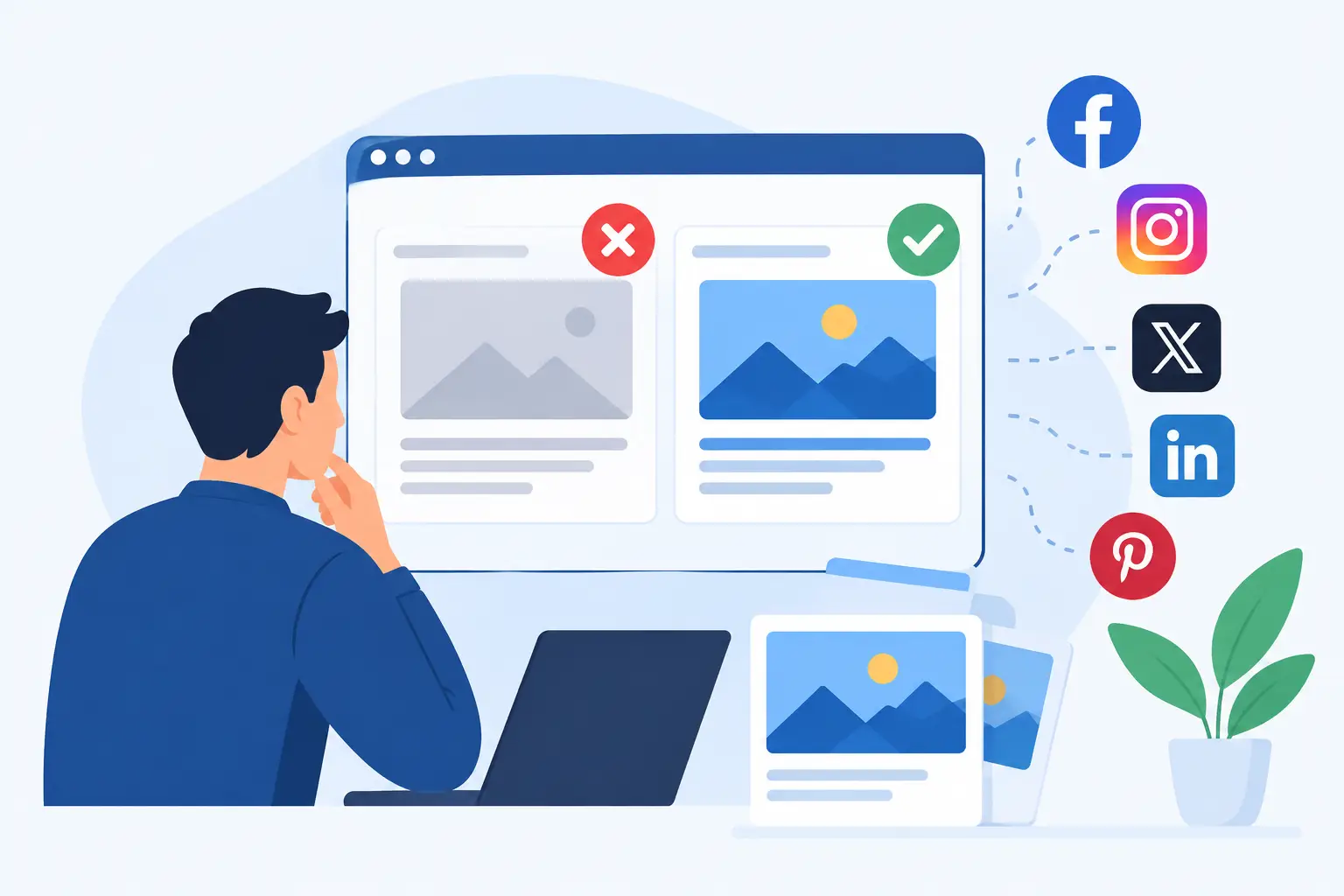
A great post can still arrive on LinkedIn, Slack, or iMessage as a grey box, a cropped image, and a title that says nothing useful. That is what makes the top social sharing metadata mistakes so expensive: they happen at the exact moment someone decides whether your link looks worth clicking.
Social metadata is not just technical housekeeping. It is the packaging for every URL your team, customers, partners, and readers share. If that packaging is inconsistent, your distribution looks inconsistent too.
1. Treating the OG image as an optional extra
The most visible mistake is publishing a page with no `og:image`, or using a generic site logo as the fallback. Some platforms may show a thumbnail pulled from the page. Others may show nothing. Neither result gives you control.
An Open Graph image should work as a small ad for that specific URL. A product launch should look like a product launch. A new article should show its subject and headline. A documentation page may need a clear category, product name, and useful visual cue.
The trade-off is real: manually designing one image for every page creates a content operations problem. It works for five launch pages. It falls apart when you publish 50 blog posts, hundreds of docs pages, or a large product catalog.
The better approach is to design a branded system once, then map page data into it. Your title, featured image, author, price, date, or category can populate the right layout automatically. Every page gets its own OG image without turning every publish into a Canva task.
2. Reusing the same image across unrelated pages
A fallback image is better than a broken preview, but it can become its own problem. If every link from your site shows the same banner, people cannot tell whether they are seeing a case study, a pricing update, or a new guide. Repeated cards also blend together in a busy Slack channel or social feed.
This is especially damaging for content-heavy sites. Your newest article may have a strong title, but the share card still looks identical to the 30 articles before it.
Use a consistent visual system, not a single static visual. Keep the logo, colors, typography, and layout recognizable. Change the information that makes each URL worth opening. That distinction gives you both brand consistency and page-level relevance.
3. Letting titles get cut off or say the wrong thing
Your browser title, SEO title, on-page H1, and `og:title` can be different. That flexibility is useful, but it causes trouble when nobody owns the decision.
A browser title might include your brand name, category labels, and separators. Fine for tabs and search results. On a social card, it can turn into a clipped string where the actual benefit appears last - if it appears at all.
Write social titles for scan speed. Put the meaningful words first. Remove repeated brand language when the image already carries the brand. Avoid title templates that produce awkward output such as “Blog | Resources | Company | Post Title.”
Dynamic templates need guardrails. A short product name, a very long article title, and an empty custom field can all break an otherwise good layout. Set character limits, define sensible fallbacks, and preview real URLs instead of only testing a sample page with perfect content.
4. Using images with the wrong dimensions or unreadable text
A social card may look fine in your design editor and fail in the real feed. Platforms crop differently, interfaces change, and small previews punish tiny type.
A wide 1.91:1 image is a safe starting point for broad Open Graph compatibility. More important than the exact number is leaving breathing room. Do not place a key headline, face, price, or callout tight against an edge. Do not rely on thin fonts or low-contrast text that disappears on a phone.
Also test for visual hierarchy. At a glance, a viewer should be able to identify the brand and understand what the page is about. If the card needs a full second of reading to make sense, simplify it.
Photography can create another issue. A beautiful featured image may have no calm area for text. In that case, use an overlay, a tinted panel, or a layout that separates the headline from the photo. The goal is not to force every page into the same composition. The goal is to protect readability at sharing size.
5. Publishing relative, blocked, or temporary image URLs
An `og:image` tag can exist and still fail because the image URL is not usable by the crawler. Common causes include relative paths, development domains, expiring CDN URLs, authentication requirements, hotlink restrictions, or redirects that a platform will not follow correctly.
Use a complete HTTPS image URL that is publicly accessible. The image should return successfully without a login, cookie, or JavaScript execution. This sounds basic, yet it is one of the most common issues on custom sites and staging-to-production migrations.
Check the final page source, not just what your CMS settings screen claims to generate. The actual HTML delivered to a crawler is what matters. If your metadata only appears after client-side JavaScript runs, many social crawlers will never see it.
For Next.js and other modern frameworks, server-render the metadata or generate it at build time. For WordPress, Ghost, and Webflow, confirm that plugins, themes, and integrations are not outputting conflicting tags.
6. Sending conflicting metadata to crawlers
A page can contain multiple `og:title`, `og:description`, or `og:image` tags after a theme update, an SEO plugin change, or a custom code snippet. When that happens, platforms may choose the first value, the last value, or an unexpected fallback.
This often appears as a mystery: Facebook shows the right card, while Slack shows an old one. The root cause is usually not platform randomness. It is ambiguous markup.
Pick one source of truth for core metadata. If Yoast, Rank Math, a CMS, and custom code all participate, document which system controls each tag. Preserve existing SEO tooling where it is working, but do not let several tools compete to define the same social preview.
The same rule applies to X-specific tags. X can use Open Graph data, but adding X card tags may give you more control in some setups. If you use both, make sure the title, description, and image strategy agree. A different message on every platform is only useful when it is intentional.
7. Forgetting that social platforms cache previews
You fix an image, share the URL again, and the old card still appears. That does not necessarily mean the fix failed. Social platforms cache metadata and images to avoid fetching the same page every time someone posts it.
Caching behavior varies by platform, and cache duration is not always predictable. Test the live page first. Then use the platform's available preview or debugging tools to request a fresh fetch where possible. Do not assume changing a file at the same image URL will update every existing preview immediately.
For major updates, use a new image URL or a versioned image parameter when your setup supports it. More importantly, build a process that catches errors before a launch link gets shared widely. A pre-publish check takes minutes. Repairing a stale card after your announcement has traveled through customer communities is much harder.
A practical way to prevent metadata drift
The top social sharing metadata mistakes rarely come from one bad tag. They come from treating previews as a one-time setup while the site keeps changing.
Start with a small audit. Select a blog post, product page, landing page, documentation article, pricing page, and homepage. Check each URL in the platforms your audience actually uses. Look for the title, image, description, crop, brand consistency, and whether the card reflects the current page.
Then decide which pages need distinct templates. A SaaS feature page may need product imagery and a short promise. A blog article may need the headline, author, and featured image. Documentation may need a cleaner, utility-first layout. One design does not have to fit every content type.
This is where an automated system earns its place. getwowlink lets teams design branded OG layouts, connect page fields once, and render a unique image for each current and future URL. Non-designers can adjust the visual rules without waiting on a developer, while technical teams keep control of the metadata pipeline.
Do not wait for a high-stakes launch to discover what your links look like. Share one real URL internally today. If the card does not make your team want to click, it will not persuade everyone else either.
